Practical Basketball Codes for November 2026: Coins, Tickets and Boosts
Redeem four Practical Basketball codes for coins, tickets, game boosts and banners, with steps for claiming rewards and fixing common code issues.
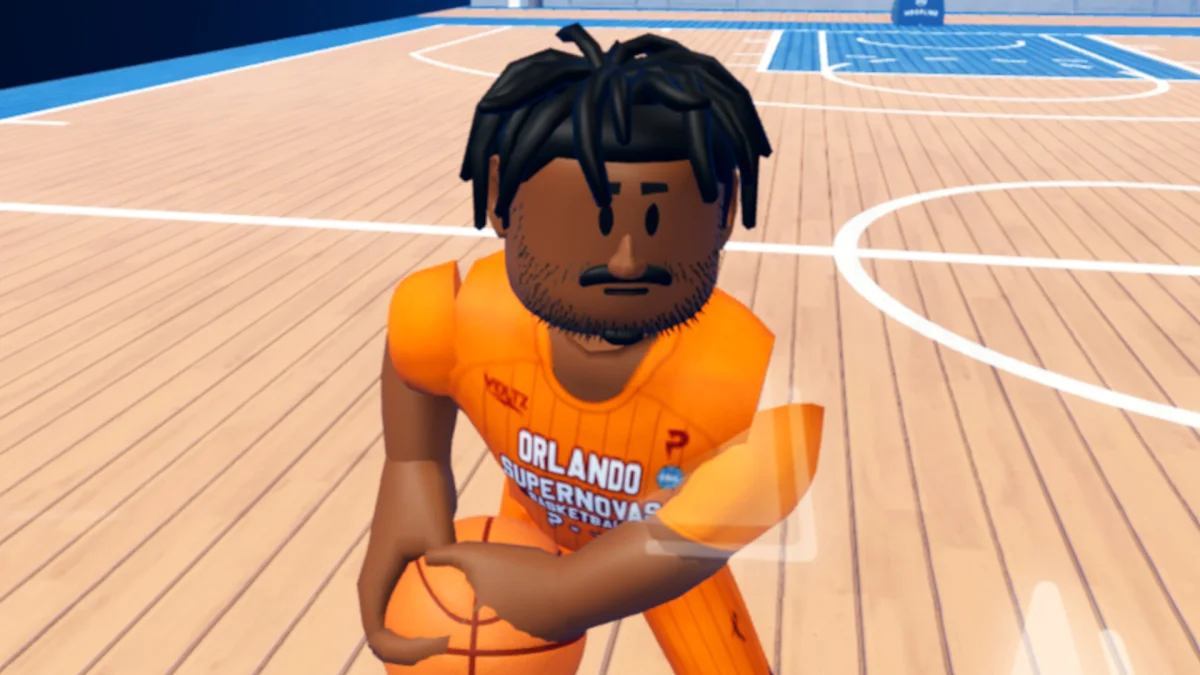
Four current Practical Basketball codes offer a useful mix of currency, tickets, experience boosts and cosmetic rewards. The biggest haul is 100M, which includes 10,000 coins and 50 tickets, while two newer codes add banners alongside smaller bundles. Redeeming them takes only a few steps, but you need to join the Practical's Games Roblox group first.

These rewards can give players more room to explore the game's progression and customization without spending Robux. Boosts are limited to a set number of games, so consider redeeming them when you’re ready to play rather than leaving them unused. Codes can expire, and the available list may change.
Working Practical Basketball codes
Enter each code exactly as shown. The rewards listed below are those associated with each code:
| Code | Rewards |
| 100KLIKES | 5,000 coins, 25 tickets, double reputation EXP for five games, and a Basketballs banner |
| 500KMEMBERS | 5,000 coins, 25 tickets, double badge EXP for five games, and a Scheme (Black) banner |
| SORRYFORBUGS | 10,000 coins |
| 100M | 10,000 coins, 50 tickets, cover athletes, and double coins for three games |
The rewards serve different purposes. SORRYFORBUGS is a straightforward coin boost, while 100M combines currency with tickets, cover athletes and a short coins multiplier. The other two codes add experience boosts focused on separate progression tracks: reputation for 100KLIKES and badges for 500KMEMBERS. Both also include a banner, giving players a cosmetic item alongside their gameplay rewards.
Since the experience and coins boosts run for a limited number of games, their value depends on when you use them. If you plan to play several matches, redeeming before that session gives you a chance to make use of the boost. The source doesn’t specify a calendar expiry date for these codes, so it’s sensible to claim them while they’re available.
How to redeem Practical Basketball codes
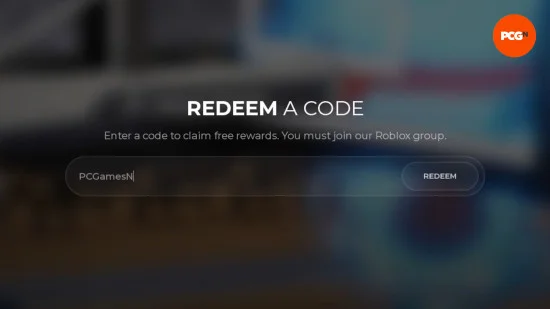
First, join the Practical's Games Roblox group. Then launch Practical Basketball and open the Shop from either the Main Menu or the Tab Menu. Go to the Codes section, paste a code into the entry box, and select Redeem. Check the resulting message to see what you received.
Copying and pasting helps avoid typing errors, especially with codes that combine letters and numbers. Be sure to enter one code at a time and remove any spaces at the beginning or end. Once you’ve redeemed a code, the game should show the rewards you unlocked.
Why a code might not work
The group requirement is the first thing to check: you must join the game’s Roblox group before redeeming codes. If you’ve already joined, inspect the code for typos and extra spaces. A code that looks correct may also have expired. The available information doesn’t give a guaranteed expiry schedule, so a failed redemption can mean the reward is no longer active.
When troubleshooting, confirm the group membership, paste the code again carefully, and retry. If it still fails, it may have expired since the list was last checked. The currently listed expired code is RELEASE; the four codes in the table above are presented as the working set.
Finding the game’s community and future codes
Players with chat and social features verified on Roblox can find a link to the Practical Basketball Discord server at the bottom of the game’s page. The server is described as a place to see developer updates and join voice calls with other players, including for arranging private lobbies. It can also be a source for future codes.
For another way to keep up with new rewards, you can follow PCGamesN on Google. Checking back when you’re ready to redeem can help you catch additions to the list. For now, the four codes cover coins, tickets, limited game boosts and banners, with the 100M reward offering the largest mix of listed items.