Proton Experimental Update Adds Gray Raven and Crown Trick, Fixes Major PC Issues
Proton Experimental adds two playable games and fixes crashes, loading delays, graphics warnings, and controller and mouse input issues.

Proton Experimental’s October 30 update tackles a useful mix of compatibility problems: long death related loading in The Witcher 3: Wild Hunt – Remastered, a recent crash in Helldivers 2, and an AMD graphics warning in Valor Mortis. It also adds Gray Raven and Crown Trick to the list of playable games, giving Steam Deck and Linux players two more titles to try through Valve’s compatibility layer.

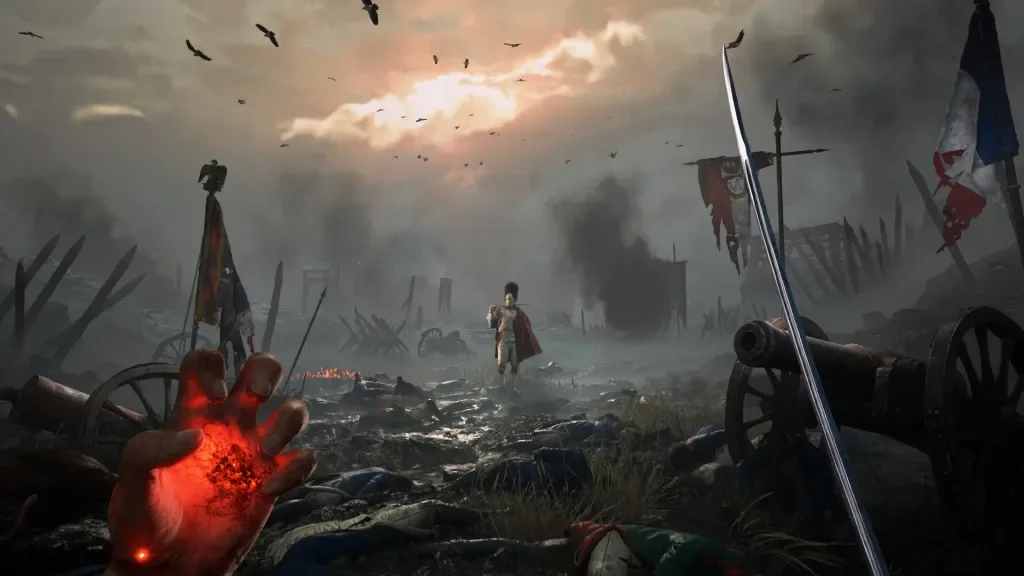
Two more games are playable
Gray Raven and Crown Trick are now listed as playable in Proton Experimental. That status is a practical signpost for players checking whether a Windows game can run through Proton, though the changelog doesn’t provide performance figures or describe how either game behaves on particular hardware. Players should treat the update as a compatibility step, rather than a promise of identical results across every PC or handheld configuration.

Proton acts as a compatibility layer that lets many Windows games run on Linux based systems, including the Steam Deck. Experimental updates are useful when a game needs a targeted fix or a new compatibility adjustment before it reaches a wider release channel. For players, the immediate question is whether a specific title launches and behaves better after the change; this update’s listed fixes give several clear places to check.
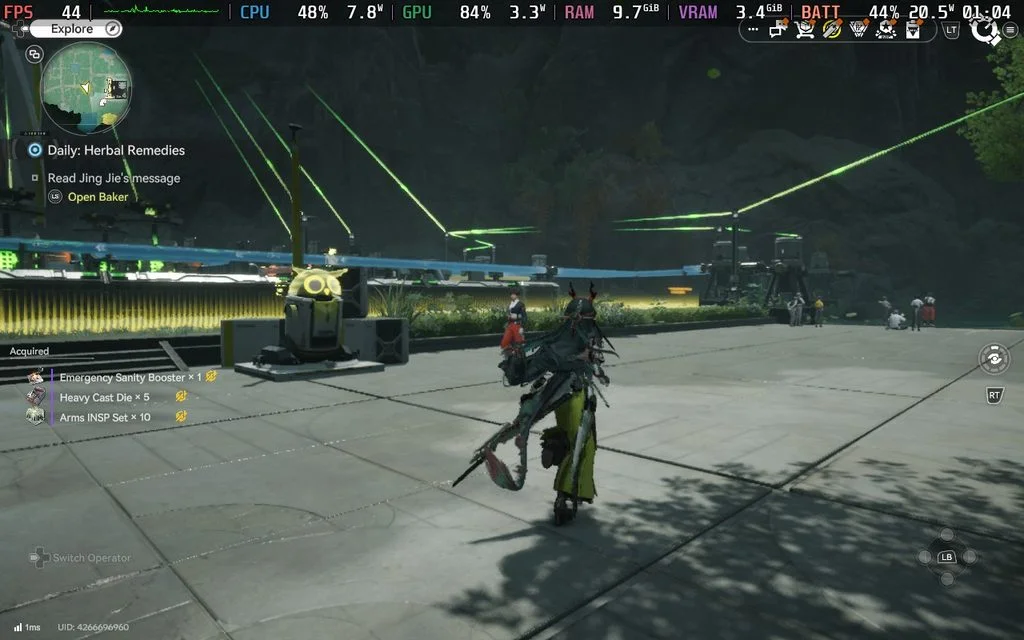
Fixes target specific trouble spots
The Witcher 3: Wild Hunt – Remastered had long load times after death when game controllers were plugged in. The fix addresses that particular combination of an in game event and connected controllers. It should make repeated attempts less disruptive for affected players, although the changelog doesn’t say whether other loading delays have changed.
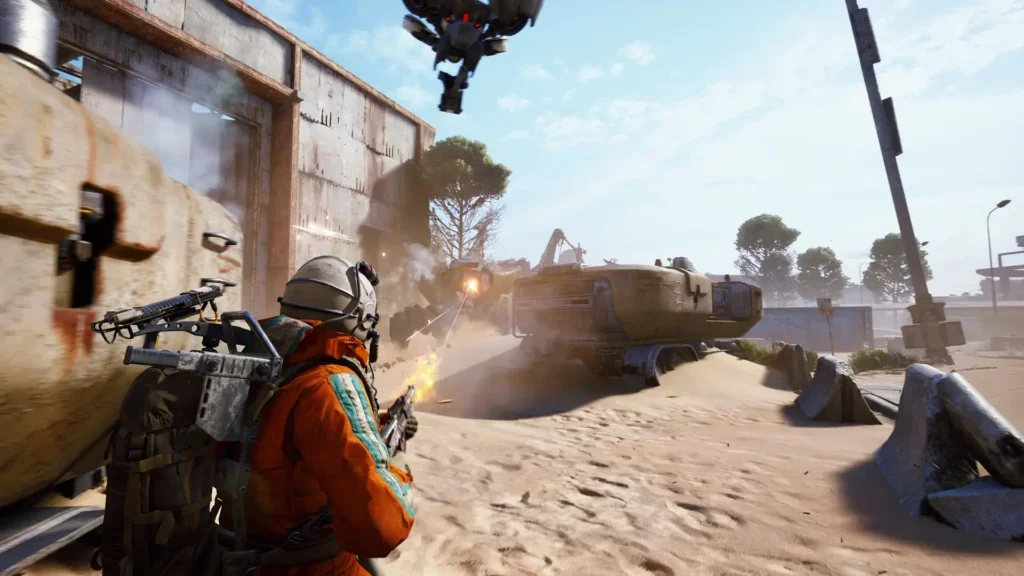
Helldivers 2 received a fix for a random crash that appeared after a recent game update. Random crashes can be difficult to reproduce, so this entry is especially relevant to players who have been seeing instability without a consistent trigger. Proton’s changelog doesn’t give a cause or specify which hardware setups were affected.
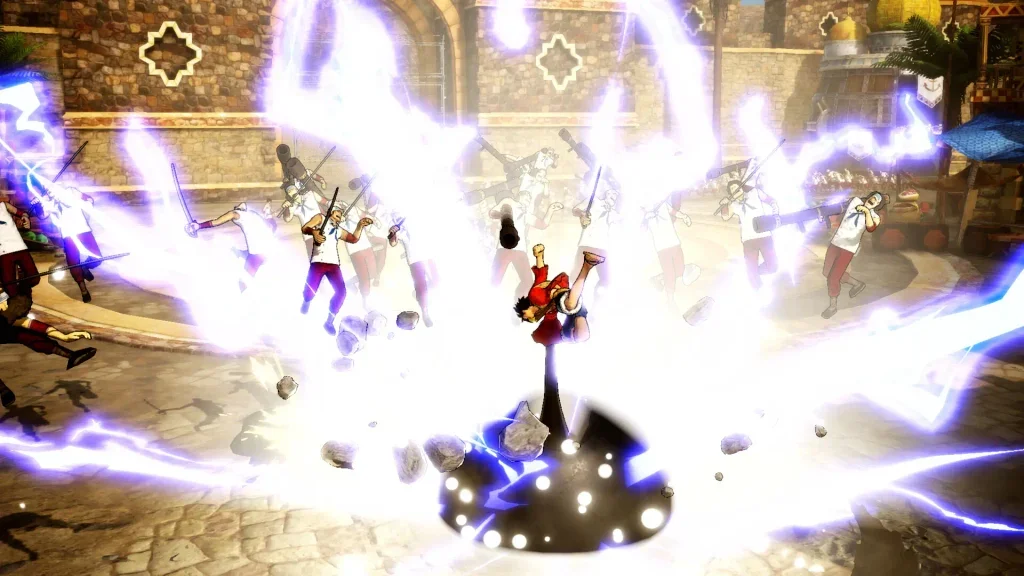
Valor Mortis had been showing a driver GPU warning on systems with AMD graphics. Proton Experimental now includes a fix for that warning. BeamNG.drive also gets attention: the game had been crashing with its Vulkan renderer after a recent game update, and the new Proton release addresses that issue.
There are two smaller adjustments with a wider reach. METAL GEAR SOLID V: GROUND ZEROES now has a fix for mouse wheel scrolling. Way of the Hunter 2 and other games had problems on systems without Nvidia GPUs because of dxvk-nvapi being present; the update addresses that compatibility issue. Taken together, these entries show how fixes can involve input, graphics paths, or how a game responds to components in a system, rather than changes to the games themselves.
A fix for Xalia and a simple update path
The release also fixes an issue that allowed multiple instances of Xalia to run at the same time. The changelog doesn’t describe the resulting symptoms or identify which players were most affected, but the correction should prevent that duplicate process behavior for users relying on Xalia.
Players who already have Proton Experimental installed should receive the update automatically. Those who haven’t installed it can find Proton Experimental in the Steam store on Steam Deck and download it from there. Since this release is on the Experimental branch, players can check the relevant games after updating and see whether the fixes match the problems they encountered.
The complete list is available in the Proton Experimental changelog for October 30, 2026. The most useful changes are narrowly focused, but they touch several parts of PC play: game stability, load behavior, controller and mouse input, and compatibility across graphics hardware. For affected players, the key next step is to retry the game or setup named in the notes and see whether the issue is gone.