3dSen 2.0 Brings Better Steam Deck Performance and a Redesigned Interface
3dSen 2.0 improves its Linux version for Steam Deck and adds gamepad menus, a new render mode, smoother loading and more.

3dSen 2.0 gives Steam Deck players a stronger way to experience its library of more than 100 NES games as 3D voxel scenes. The update overhauls the emulator’s Linux version, which now runs better on Valve’s handheld and is the recommended option for it. A redesigned interface, new rendering choices and quality of life improvements make this a substantial update beyond the platform-specific performance work.

3dSen reinterprets classic NES games, including Mega Man and Final Fantasy, as three dimensional scenes. Its presentation uses real time lighting and shadows, with animated sky boxes; supported scenes can also be exported as 3D files. The update’s visual options give players more control over how those scenes look, while the interface overhaul makes the emulator easier to navigate from the Steam Deck’s controls.


A better fit for Steam Deck
The Linux version is now 3dSen’s default, and the update recommends it for Steam Deck instead of running the Windows build through Proton. To select it manually, open the game’s Properties, choose Compatibility, enable the option to force a specific Steam Play compatibility tool, and select Steam Linux Runtime. The source describes the Linux overhaul as a significant improvement to the Deck experience.

That change matters because performance is only part of making an emulator comfortable on a handheld. The update also makes the full interface navigable with a gamepad and adds an on-screen keyboard for searching. Players can browse their library in list or grid view, see cover art, filter results and mark favorites without needing to switch to a mouse and keyboard.
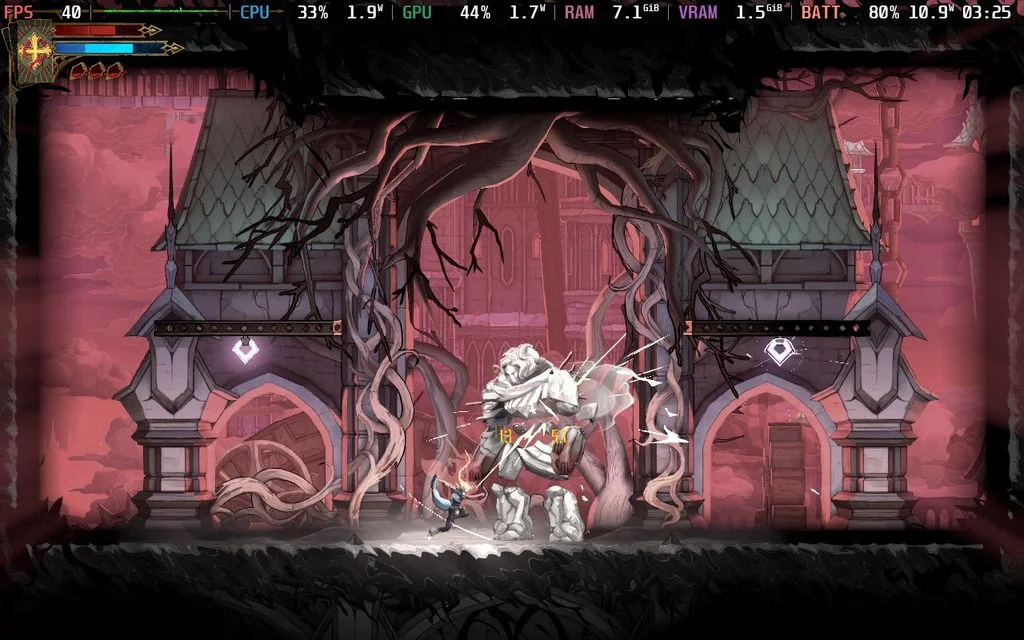
There’s also a simple way to return to a session: when 3dSen opens, players can choose Continue to resume the previous game or Discard to start fresh. Together, the new menus and resume option make the emulator better suited to short handheld sessions as well as longer play.
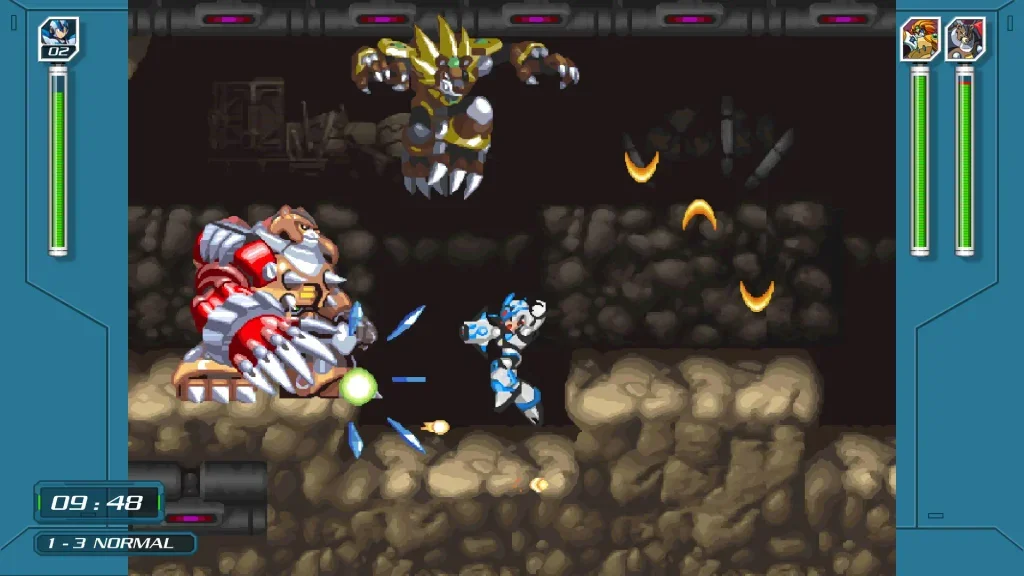
New ways to shape the image
Version 2.0 adds a render mode called Retina. Rather than representing each pixel as a block, it uses sub-pixel modeling to create smoother, rounded surfaces that extend through the voxels. Players can enable it under Settings, Display, then Render Mode.

The update also expands the visual settings for reflections, shading, pixel shadows, voxel grooves and world curvature. These effects start disabled, so players can turn on the ones they prefer in Settings, Visual Effects. A live preview of the paused game shows each adjustment, and the original Classic style remains available.
Anti-aliasing now offers Off, 2x and 4x settings, with 2x selected by default. Run Ahead is also enabled by default to reduce input delay. For camera control, mouse users can drag with the right button to turn the view. A separate camera fix prevents zooming from making the camera spin.
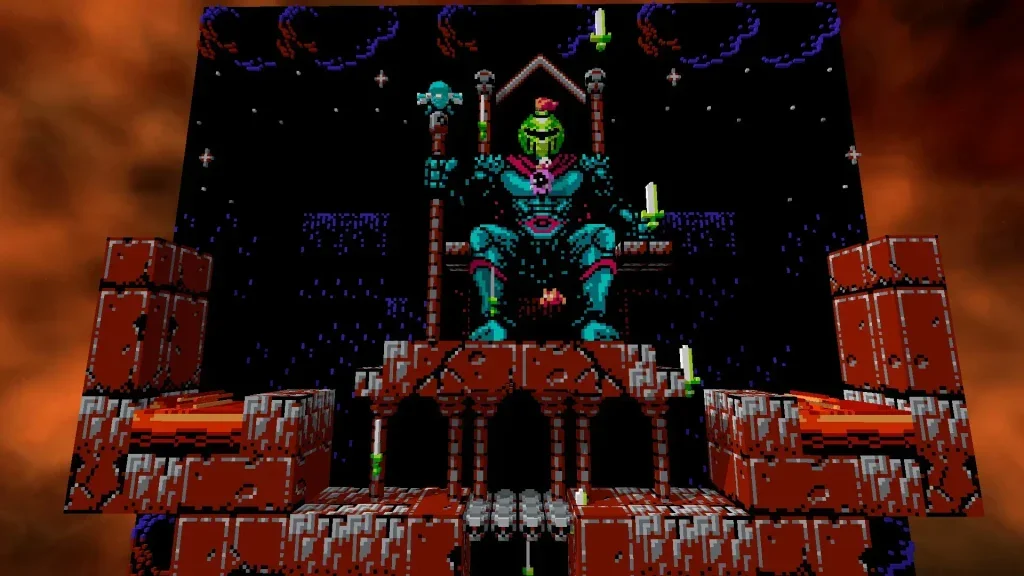
Fixes across the emulator
The update targets several visual and technical problems. Rendering fixes address thin cracks, dark dots and dark lines between 3D tiles, while loading games should produce fewer stutters. Settings are now preserved if the app closes unexpectedly. The Super Mario Bros., Punch-Out!! and Final Fantasy profiles have also been fixed.
Other changes cover emulation, audio, rewind, save-state handling, performance and memory use. Players can also use Soft Reset to restart a game as though they had pressed Reset on the original console; some games retain scores or other data after this kind of reset.
The update reaches beyond Linux and Steam Deck. The Windows build has moved from 32 bit to 64 bit, and the macOS version now runs natively on both Apple Silicon and Intel Macs. That gives 3dSen a broader technical refresh while the Steam Deck improvements remain its clearest benefit for handheld players.
Price and compatibility
3dSen costs $14.99 on Steam. Its current Steam Deck rating is Playable because it requires a community controller configuration. The redesigned, gamepad navigable menus could make the experience more convenient, though the source says the rating may change rather than confirming a new status.
The complete 3dSen 2.0 changelog details the update’s full set of changes. For Deck owners, the practical first step is to select Steam Linux Runtime in Compatibility settings, then explore the interface and rendering options to find a setup that suits each game.